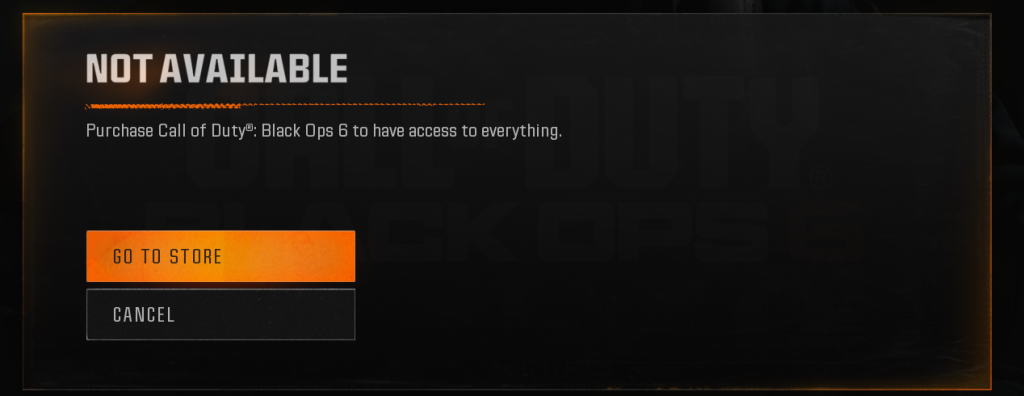
If you receive the above error when launching Black Ops 6 via the Xbox app on PC, and you have a valid subscription to Game Pass, do the following (this resolved it for me and my friend). This works as of 15th March 2026.
- Close Call of Duty.
- Type wsreset.exe in either the Start Menu or the Windows Key + R dialog box and press Enter.
- Close the Microsoft Store and reopen the game.
I’ve confirmed that this worked for both my friend and I, after battling with it for a while. Resetting the Windows Store seems to cause it to sync properly again. Logging out and in to the Xbox app will not fix it.